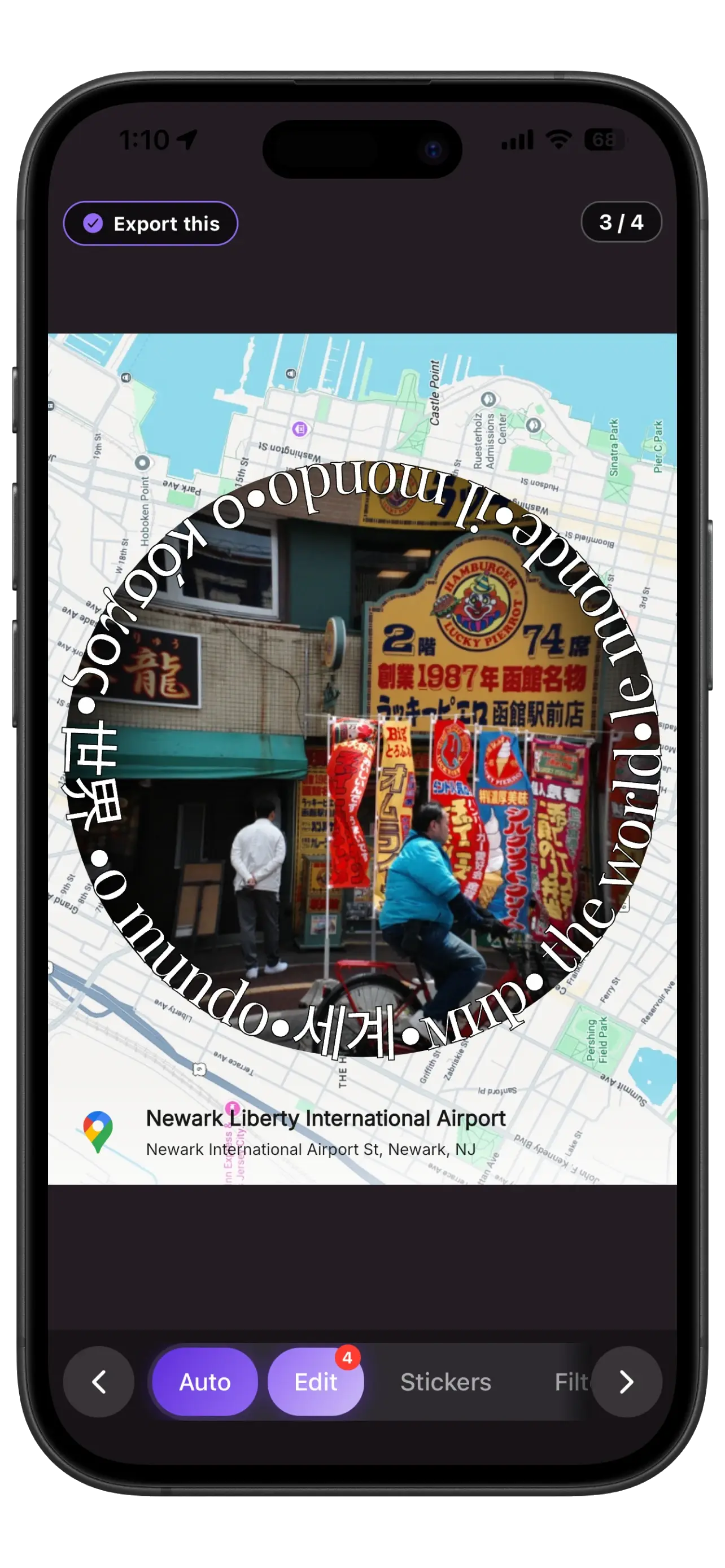
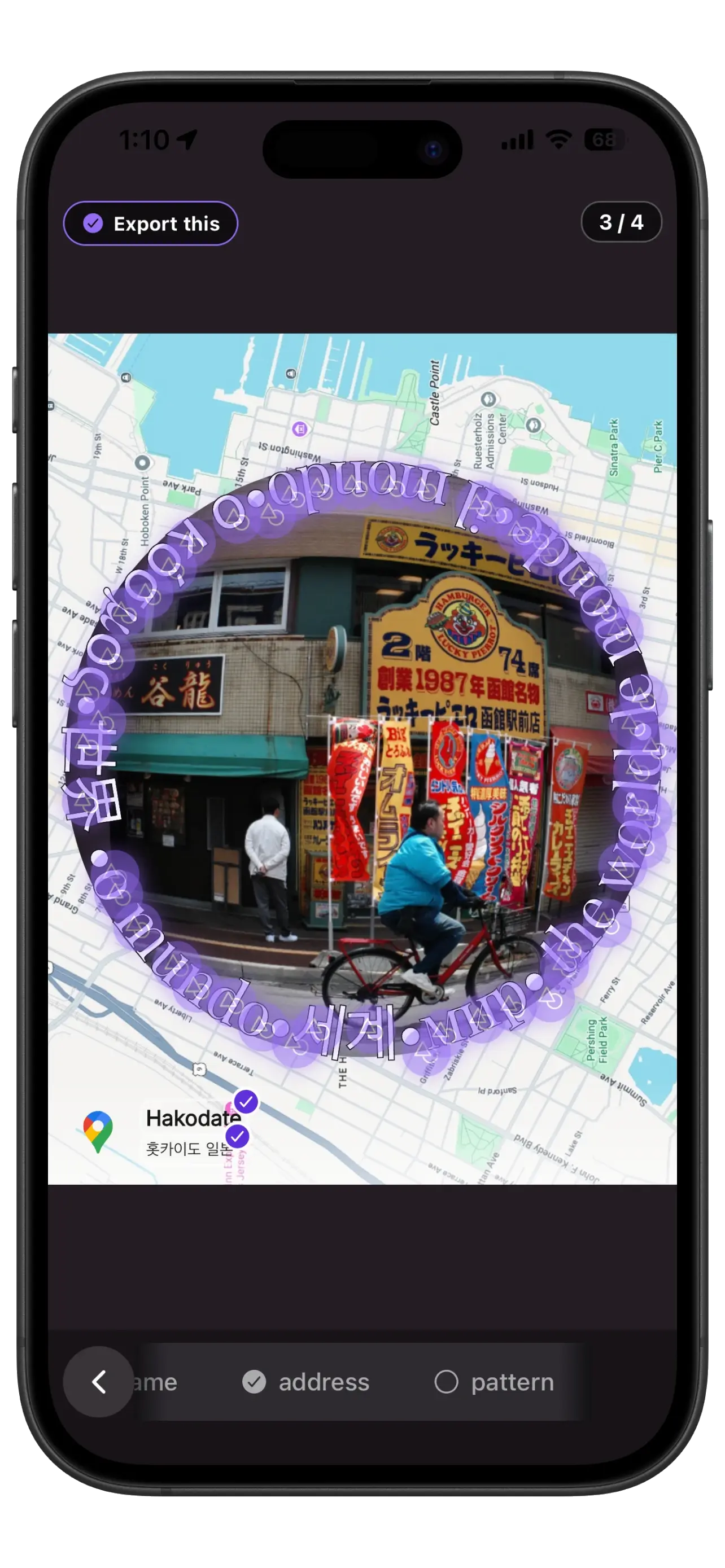
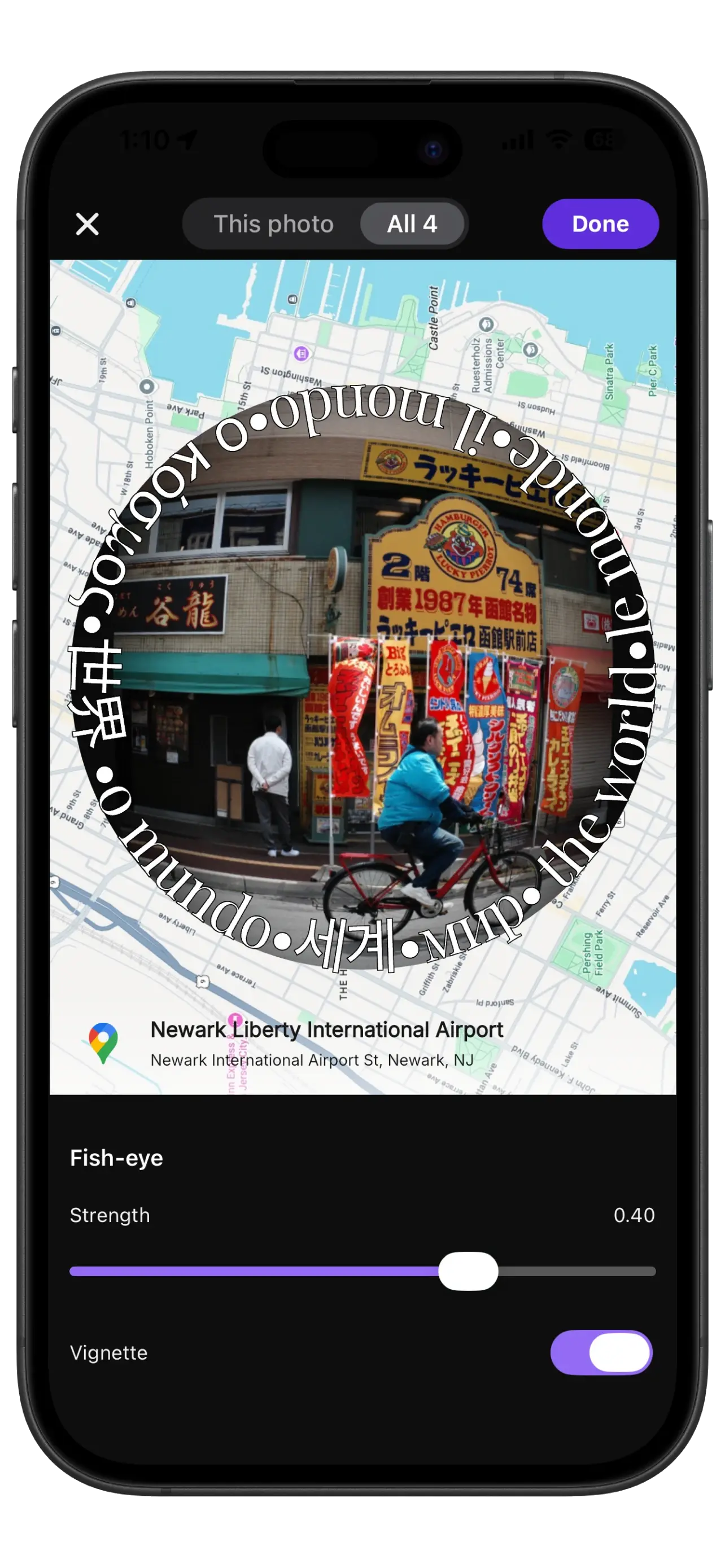
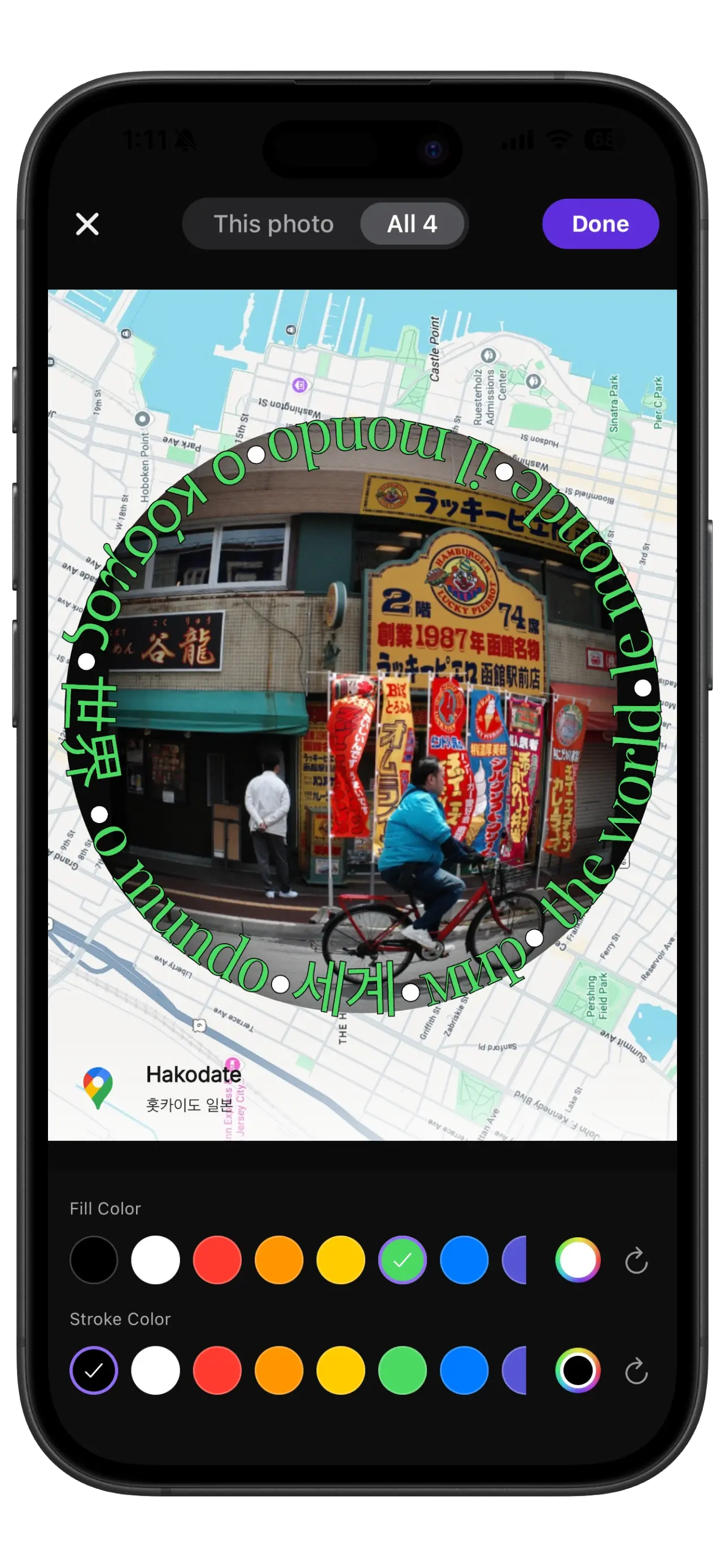
One screen for everything
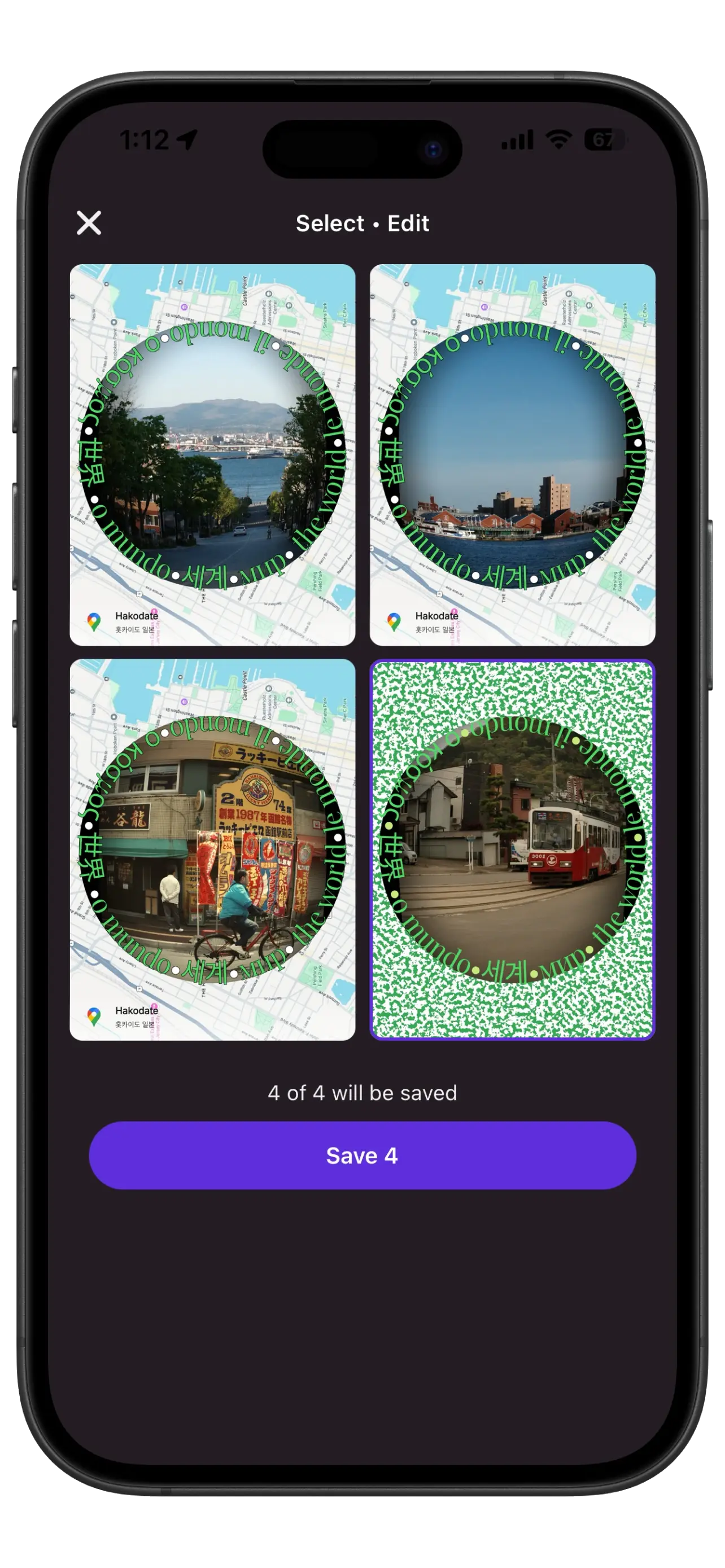
Editing is now one immersive screen — Studio. Tap any part of your photo to edit it, swipe between your shots, and apply a change to just that photo or to all of them at once. Capture flows straight in, and picking your keepers happens right here with a simple "Export this" toggle.
Text and emoji stickers
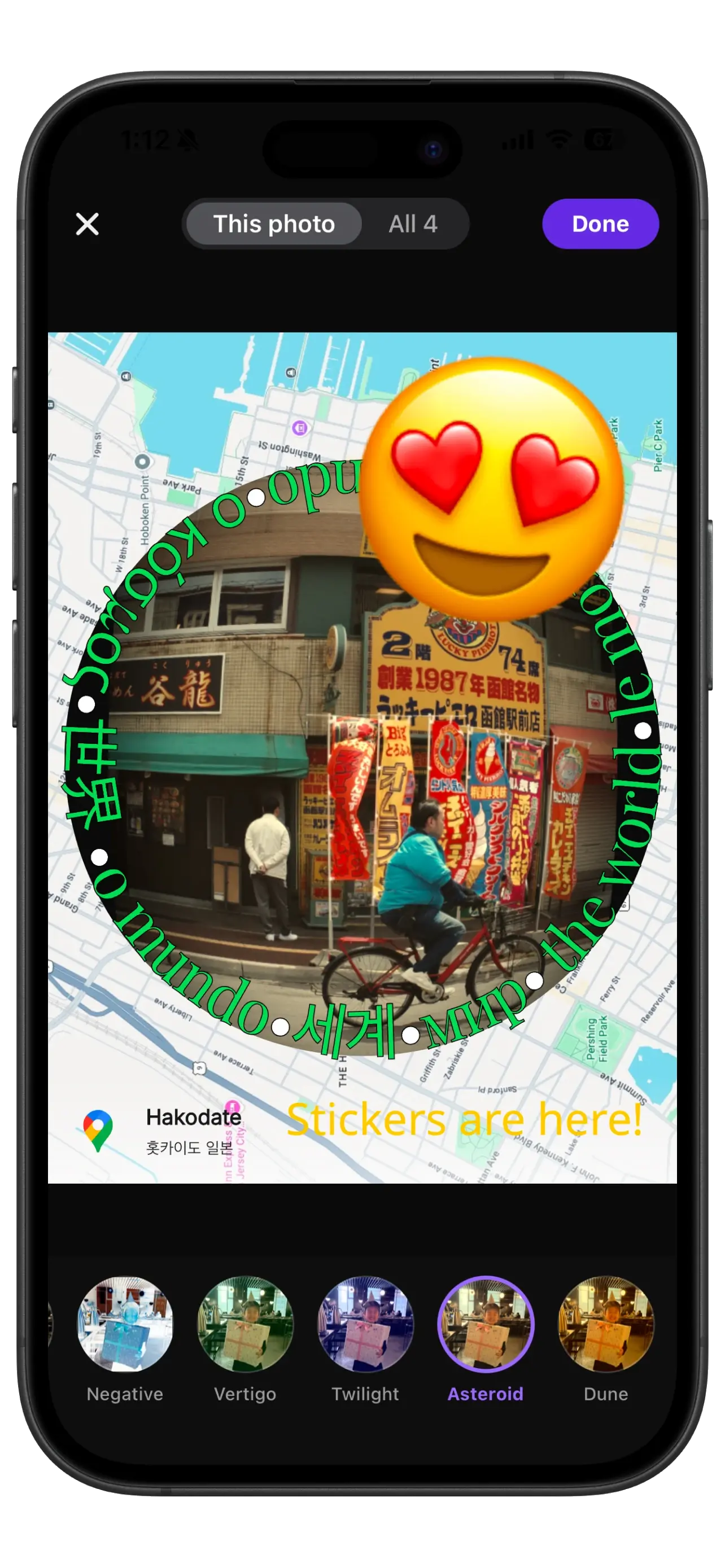
Add text and emoji stickers anywhere on a photo, then drag, pinch, and twist them into place. Style your text with live color, weight, and font controls. The emoji picker is searchable and remembers your recents.
Full-screen editors with live preview
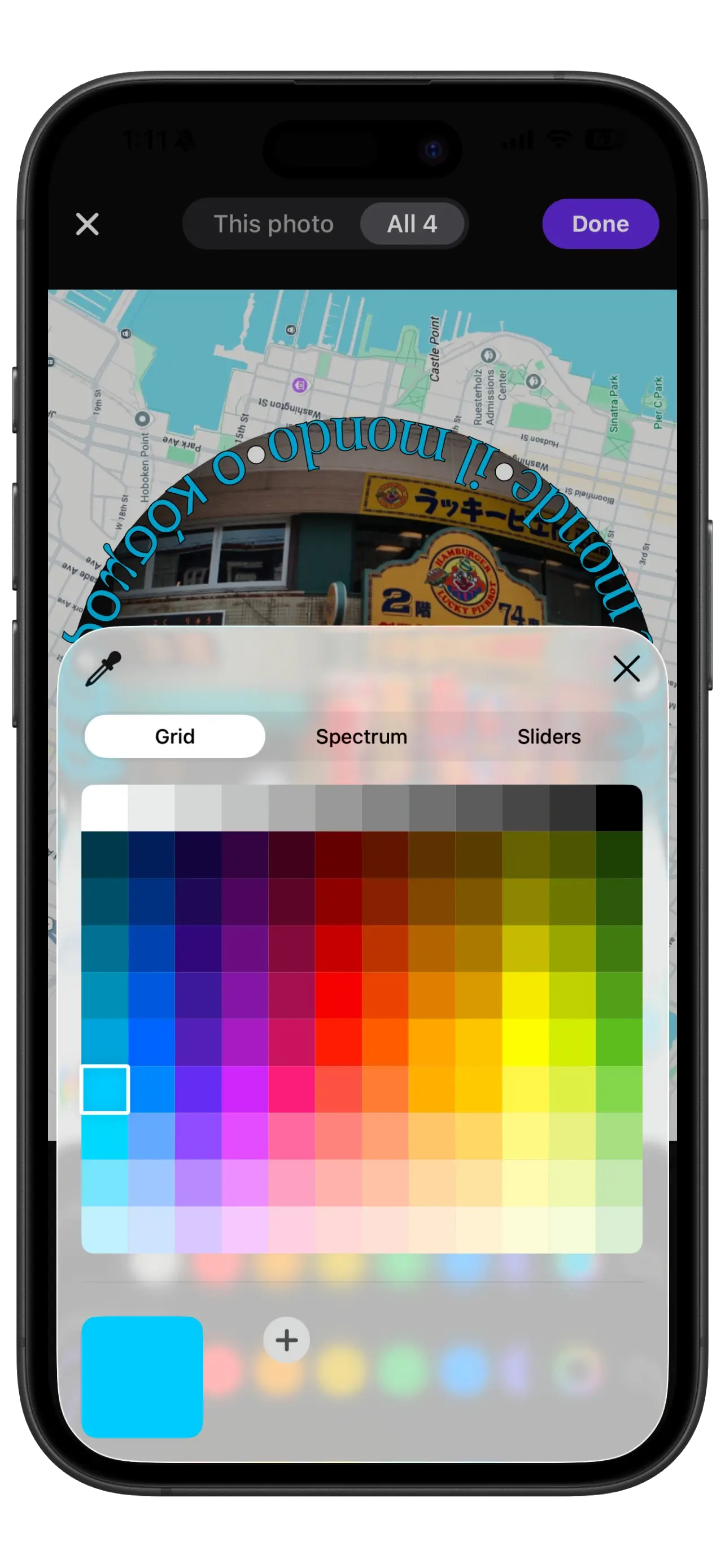
The text and filter editors are now full-screen with a live preview — style captions with color, weight, and font, and preview every filter on your own photo before applying. The iOS system color picker is available for text.
Polish and reliability
If you haven't set a favorite booth, the camera's quick-access button now opens a friendly "choose your frames" screen instead of a blank Settings page.
Album ad slots collapse cleanly when no ad is available, instead of leaving an empty gap.
Stickers you add — and removing the last one — now reliably carry through to the saved image.